How we work: This guide uses current public documentation and does not claim hands-on testing unless stated. Some links may later become affiliate links, at no added cost to you. Rankings are independent of commissions.
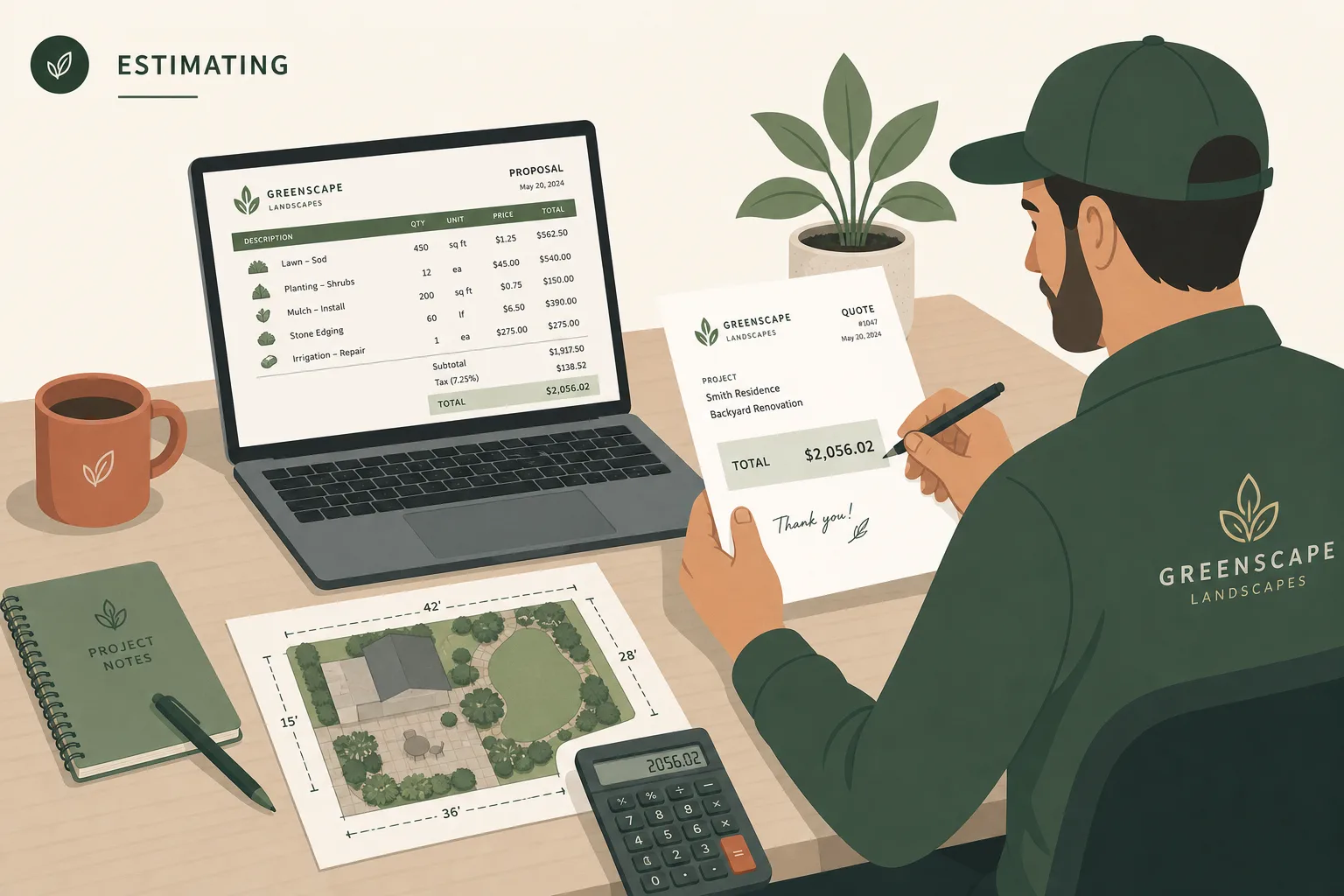
The best landscaping estimating software depends on what is being estimated. For recurring mowing and cleanup work, Yardbook is the best free starting point. For production-rate estimating across maintenance and installation, LMN by Granum is the strongest dedicated system in this comparison. For hardscape or design-build work that begins with a drawing and material takeoff, DynaScape has the clearest connected workflow.
Jobber is a better fit when a small residential team wants a polished quote to become a scheduled job without operating a detailed estimating system. Aspire belongs on the shortlist for an established company with several estimators, divisions, or branches, but it does not publish a subscription price.
This is desk research, not a hands-on product test. Features and US-dollar prices were checked on July 23, 2026, against the linked official pages; Yardbook’s public price display was rechecked October 19. The ranking reflects documented workflow fit, public price, and the amount of landscape-specific cost control each product exposes.
Which landscaping estimating software ranks best?
| Rank | Product | Best fit | Published starting cost checked July 23, 2026 | Main limitation to verify |
|---|---|---|---|---|
| 1 | LMN by Granum | Production-rate estimating for maintenance and design-build | Starter: $297/mo, billed monthly, plus an undisclosed one-time onboarding fee | Real-time job costing, equipment costing, and material costing require Professional at $648/mo |
| 2 | DynaScape Manage360 | Hardscape and design-build estimates tied to plans | Sales & Estimating: $219/mo plus $599 onboarding | DynaScape Design is a separate $158/mo or $1,599/yr product |
| 3 | Yardbook | Budget-conscious recurring maintenance | Starter: free | Public pages do not map every advanced estimating feature to a plan |
| 4 | Jobber Grow | Residential quote-to-job workflow | $149/mo for 1 user or $229/mo for 5 users, billed annually | No documented landscape production-rate or plan-takeoff workflow |
| 5 | Aspire | Larger organizations with multiple estimators and cost controls | Custom monthly quote; unlimited users | No public dollar price, and some services are priced separately |
The ranks are not five versions of the same tool. Yardbook and Jobber focus on getting a service quote approved and into operations. LMN and Manage360 put more structure around how labor, materials, equipment, and overhead become a price. Aspire extends that control across a larger operation.
If customer records, scheduling, and routing are the bigger problem, use our landscaping CRM comparison before buying around estimating alone.
What should an estimate calculate before it becomes a proposal?
An attractive proposal is not yet a reliable estimate. The internal worksheet needs at least:
- measured quantities, with units such as square feet, linear feet, cubic yards, visits, or plant counts;
- labor hours derived from a production rate;
- the fully burdened labor cost for those hours;
- material, equipment, subcontractor, disposal, and delivery costs;
- overhead recovery;
- contingency or warranty assumptions where the company uses them; and
- the target profit, kept distinct from markup.
The National Association of Landscape Professionals says production rates should be based on the company’s equipment and average crew capability. It also warns that loading, unloading, customer conversations, and other non-production tasks still consume time. Software makes the formula repeatable; it does not make a borrowed rate accurate.
That distinction is the first buying test. Ask a vendor to show how a measured quantity becomes total labor hours, then how those hours combine with burden, equipment, overhead, and profit. A quote builder that only multiplies quantity by a selling price can be adequate for simple work, but it is not the same as a production-rate estimating system.
Which tool fits recurring landscape maintenance?
Yardbook is the $0 maintenance baseline
Yardbook’s free Starter plan lists estimates, lot measurement, product catalog, customer management, jobs and scheduling, invoicing, routing, and employee access. Its feature catalog also documents property-based pricing, price per cut, pricing matrices, lawn measurements on estimates, estimate cloning, and the ability to turn an estimate into a job or invoice.
That combination fits repeatable residential work: measure the property, apply a saved price, add optional seasonal services, get approval, and schedule the visits. The paid Business plan is $34.99 per month. Enterprise adds QuickBooks sync and a branded customer portal, but Yardbook’s public pricing text no longer exposes its current amount. The $49.99/mo observed on July 23 is a dated price, not a current quote.
There is an important uncertainty. Yardbook’s long feature page does not clearly label the required plan beside every estimate feature. Confirm configurable items, estimate reminders, cost assumptions, job-profitability reporting, user permissions, and any account limits in a live account before depending on them.
Choose Yardbook when: the work is mostly recurring maintenance, one person owns pricing, and a free operating baseline is more useful than advanced cost modeling.
Move up when: several estimators need to produce the same price, or when estimated labor and materials must feed a formal estimated-versus-actual loop.
Jobber Grow suits a service quote that must move quickly
Jobber Grow documents markups, optional line items, images, custom quote sections, quote follow-ups, approvals, job costing for one-off jobs, and a connected schedule. It is a practical choice when the estimate is a customer-facing sales document first and a cost model second.
Use the ongoing annual rate, not the temporary offer displayed on the pricing page. Grow is $149 per month for one user, $229 for five users, $299 for ten, and $399 for 15 when billed annually. Connect costs less but Grow is the first tier that documents the markup, optional-line-item, and job-costing combination used in this comparison.
Jobber’s official estimating material does not document landscape production rate calculators, plan takeoffs, or work assemblies that convert measured areas into labor and material quantities. A company can still store calculated line-item prices, but the underlying estimate may need to be built elsewhere.
Choose Jobber Grow when: a residential team values fast quote approval, follow-up, scheduling, and invoicing more than a detailed landscape cost book.
Watch for: confusing a polished quote with a complete cost estimate. Ask the demo rep to calculate a real mowing or mulch job from measurement through labor burden and overhead without leaving the product.
Which tool fits landscape design-build work?
LMN by Granum is the best dedicated estimating system in this group
LMN by Granum’s documentation exposes the mechanics that matter. Production-rate calculators translate square feet, linear feet, yards, or other measurements into labor time. Work-area templates can hold labor, equipment, materials, calculators, customer descriptions, and crew instructions for a repeatable scope such as a garden, mowing service, or paver installation.
Starter costs $297 per month and includes one office or crew-lead license, five crew-member licenses, budgeting, estimating, scheduling, invoicing, and overhead recovery. The price page says a one-time onboarding fee applies but does not disclose the amount.
Professional starts at $648 per month. It includes three office or crew-lead licenses and 15 crew-member licenses, and adds real-time job costing, equipment costing, material costing, and vendor bill management. That tier is the more complete choice when actual production data must correct the next estimate.
The software still requires setup. LMN tells users to create their production rates and price-list inputs. Templates reduce omissions after the cost book is sound; they cannot repair stale material prices or an unrealistic crew rate.
Choose LMN by Granum when: estimating consistency and overhead recovery are central, several scopes reuse labor-and-material assemblies, or the company wants estimated-versus-actual data to improve future bids.
Watch for: the onboarding price, extra license prices, and whether Starter provides enough feedback without Professional’s job-costing features. Request all three figures in writing.
Aspire fits a larger, multi-estimator operation
Aspire documents production kits that combine costs, templates with management-approved margins by branch, division, or service type, vendor and material controls, crew-hour tracking, and a handoff from won estimates to scheduled work tickets. That structure is relevant when several estimators must follow the same rules across a larger company.
Aspire’s plans page does not publish a dollar price. It says the monthly license depends on company size, complexity, and contracted functionality, with no limit on users. Implementation, training, support, upgrades, and new versions are included; electronic payments, payroll, and GPS fleet management are among the services quoted separately.
Choose Aspire when: unlimited users, implementation support, purchasing controls, and standard rules across several teams matter more than a self-service entry price.
Watch for: total contract cost and scope. Ask for subscription, implementation, data migration, payment, payroll, GPS, support, and renewal terms as separate lines. A custom quote cannot be compared with a public monthly plan until those items are written down.
Which tool fits hardscape and plan-based estimates?
DynaScape has the clearest design-to-proposal path
DynaScape separates design from business management. Its Windows-based Design product creates landscape plans, measurements, plant and material takeoffs, and quotation groups. Manage360 then imports design data and applies its cost book, labor, material, equipment, overhead-recovery model, and reusable kits to the estimate.
That connection matters for a patio, retaining wall, or full installation. Counting and measuring in the plan, then re-entering those quantities into a separate quote, creates another place for omissions. Manage360 also documents change orders and job-cost analysis on its full package, which are more relevant to multi-stage projects than to a weekly mowing visit.
Price the full workflow rather than quoting only one module:
- Manage360 Sales & Estimating is $219 per month plus $599 onboarding, or $2,497 for the first annual term plus $599 onboarding. DynaScape says the annual discount applies only to the first year.
- DynaScape Design is $158 per month or $1,599 per year. Creator is a browser-based design option at $119 per month, but the public comparison does not show the same Manage360 integration that it shows for Design.
- All Manage360 features cost $359 per month plus $1,199 onboarding, or $4,093 for the first annual term plus $1,199 onboarding. This package adds the operating features listed on the comparison, including change orders, purchasing, scheduling, job-cost analysis, and invoicing.
Choose DynaScape when: measured plans and material takeoffs drive hardscape or design-build estimates, and preventing a design-to-estimate recount is worth operating connected design and management products.
Watch for: the combined subscription, Windows requirement for Design, first-year-only annual discount, and which package owns each handoff. Have the vendor demonstrate a plan revision becoming a revised estimate and change order.
How should you choose among the five tools?
Use one real completed job, not a vendor’s sample, and score the documented workflow in a trial or guided demo. This article did not perform these tests.
| Criterion | Maintenance weight | Design-build weight | Hardscape weight | What to demonstrate |
|---|---|---|---|---|
| Property measurement and takeoff | 15 | 15 | 25 | Enter turf, bed, linear edge, cubic-yard, and paver quantities without duplicate entry |
| Production rates and assemblies | 20 | 25 | 20 | Convert quantities into labor hours and reusable labor/material/equipment scopes |
| Burden, overhead, and profit controls | 15 | 20 | 15 | Keep direct cost, overhead recovery, markup, and target profit visible and distinct |
| Proposal and approval | 15 | 10 | 10 | Send options, collect approval, and preserve the approved scope |
| Estimate-to-job handoff | 20 | 10 | 10 | Create recurring visits or project work without retyping the estimate |
| Estimated-versus-actual feedback | 10 | 15 | 15 | Compare actual hours, materials, and equipment with the original estimate |
| Data export and implementation | 5 | 5 | 5 | Export the cost book and estimates, identify owners, and document rollback |
Score each row from 0 to 5, multiply by the weight, then divide the total by 5 for a score out of 100. Mark a feature as zero if the vendor only says it exists but cannot show the exact workflow. Keep subscription cost outside the score; reject products that fail a required step, then compare the written three-year cost of the survivors.
For a maintenance company, also test a rain delay and route change. Our Jobber versus Housecall Pro routing guide explains why displaying, sequencing, and optimizing a route are different capabilities.
What should you put into the demo estimate?
Build the same three estimates in every finalist:
- Recurring maintenance: one property with measured turf and bed areas, weekly mowing, monthly bed care, seasonal start and end dates, and one optional cleanup.
- Design-build installation: labor, materials, equipment, delivery, subcontractor work, overhead, and a customer option that changes scope.
- Hardscape project: a measured plan, reusable paver assembly, waste factor, base material, equipment, crew production rate, revision, deposit, and change order.
Then change one material cost and one production rate. Check whether existing drafts, approved estimates, and future templates change, and whether the audit trail makes that behavior clear. Finally, complete the job and compare actual hours and costs with the estimate.
Do not use a vendor’s example production rates as live prices without verification. NALP’s guidance is direct: rates vary with equipment and skill, and a company should review completed work to improve future estimates.
What is the final recommendation?
Start with the work type:
- For recurring residential maintenance, test Yardbook before paying for a more complicated system. Add Jobber Grow when quote follow-up and estimate-to-schedule flow justify the subscription.
- For maintenance plus design-build, demo LMN by Granum first. Its documented production rates, overhead recovery, and reusable templates address the estimating problem directly.
- For hardscape and plan-led design-build, demo DynaScape Design with Manage360 as one connected workflow and price both products.
- For several estimators, divisions, or branches, include Aspire, but do not compare it until the full custom contract and separately priced services are disclosed.
No product makes inaccurate inputs safe. The useful system is the one that turns the company’s measurements, production rates, burden, materials, equipment, overhead, and profit target into the same answer every time, then uses completed-job data to make the next answer better.
For a narrower estimate-to-schedule comparison, see QuoteIQ versus Jobber, including a repeatable measurement, quote, recurrence, and route acceptance test.
See our editorial policy for how Reserchers handles desk research, source checking, corrections, and affiliate independence.
Frequently asked questions
What is the best landscaping estimating software for a small company?
Start with Yardbook if the work is mostly recurring maintenance and budget is the constraint. Demo LMN by Granum when labor production rates, overhead recovery, or estimator consistency matter more. For design-led hardscape work, include DynaScape Manage360 and its separate Design product.
Can landscaping estimating software calculate labor hours?
Yes, if the system supports production rates and you supply realistic inputs. LMN, for example, converts measured units such as square feet, linear feet, or yards into labor time. The rate still needs to reflect your equipment, crew skill, and non-production time.
Which landscaping software is best for hardscape estimates?
DynaScape has the clearest documented design-to-estimate workflow in this comparison: Design produces measurements and material takeoffs, while Manage360 applies cost books, kits, labor, equipment, and overhead. Both subscriptions may be needed, so price the combined workflow.
How much does landscape estimating software cost?
Published entry points checked July 23, 2026 range from Yardbook Starter at $0 to LMN Starter at $297 per month. Jobber Grow is $149 per month for one user on ongoing annual billing, DynaScape Manage360 Sales & Estimating is $219 monthly plus $599 onboarding, and Aspire requires a quote.
Will estimating software make every landscape bid accurate?
No. Software can enforce formulas and templates, but inaccurate measurements, stale material costs, unrealistic production rates, or missing overhead still produce a bad bid. Compare estimated and actual costs after each completed job and update the inputs.
Sources checked
- Yardbook pricing
- Yardbook product features
- Jobber pricing
- Jobber Help Center: The Grow Plan
- LMN by Granum pricing
- LMN by Granum Help Center: Production rates and templates
- DynaScape pricing
- DynaScape Manage360 sales and estimating
- Aspire plans
- Aspire landscape estimating software
- National Association of Landscape Professionals: Building an accurate estimating system